Helping Businesses Simplify Complex Technology Decisions
A single technology partner to plan, manage, and support your business technology.
Business Technology Simplified for Louisiana Companies
Reliable phone systems, managed IT, security cameras, and structured cabling — installed and supported by a local team you can reach, or coordinated through trusted vendors.
We help you make decisions and manage the outcome.
Serving Louisiana businesses since 2000
Local technicians — no outsourced support
RCDD & DCDC-led, BICSI-certified teams
Banks, medical offices, schools & professional firms
Long-term support — not one-time installs
Technology Solutions We Design, Install, and Support
We take responsibility for the full technology environment — from planning and infrastructure to ongoing support. Our designs follow recognized industry standards and best practices, supported by advanced BICSI certifications.
Managed IT & Cybersecurity Services
Proactive support, monitoring, backups, and security to keep your business running and protected.
Business Phone Systems (VoIP & Cloud)
Modern phone systems designed and supported locally — with a focus on reliability, clarity, and accountability.
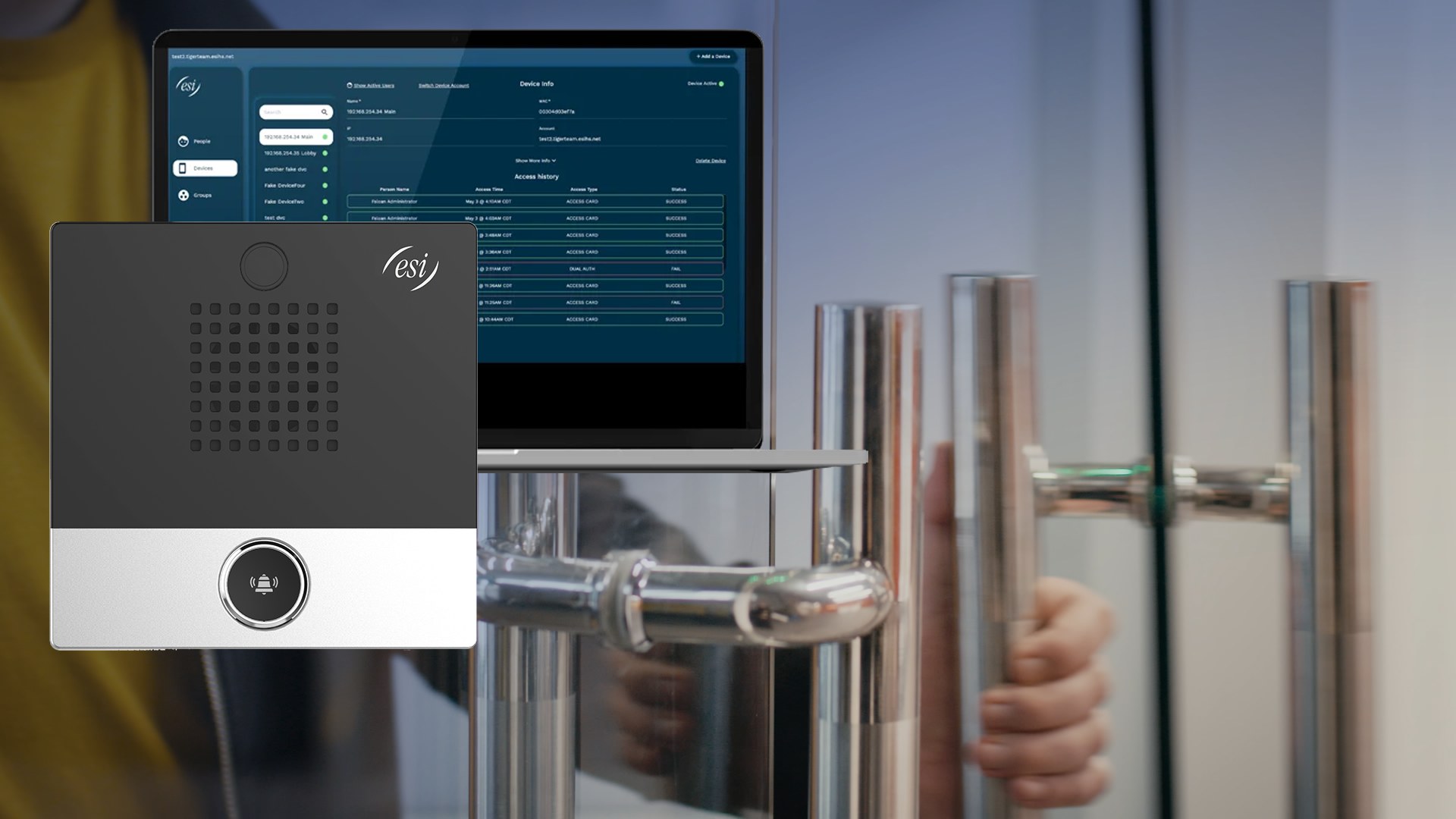
Security Cameras & Access Control
Protect your people, property, and assets with professionally installed systems.
Structured Cabling & Fiber
Standards-based infrastructure design and installation — the foundation your phones, computers, and security systems depend on.
Technology Consulting & Vendor Management
Strategic technology planning, vendor coordination, and contract management — providing a single point of accountability across your technology environment.
Whether delivered by our team or coordinated through trusted partners, we ensure your technology aligns with your business goals — with one point of accountability.
How We Turn Strategy Into Reliable, Day-to-Day Technology
Technology doesn’t live in silos. Phone systems, networks, security, and IT all depend on each other.
That’s why we design, install, and support complete systems.

Why Telecom-First Matters
Voice is one of the most demanding services on any network.
Real-time communications depend on precise coordination across cabling, switching, routing, firewall behavior, security, and traffic prioritization.
That’s why we lead with communications expertise — designing phone systems first, then aligning IT, security, and vendors around those requirements.
When voice works reliably, everything else follows.
And when it doesn’t, we know exactly where to look.
When phones matter, call Martin.
Whether you need modern phone systems, surveillance and access control, IT services, or cabling support, Martin Communications has you covered.